

Create your adverts in Canva, ready for print in our print titles
VIEW Studio gives you the option to create your own advert using professionally designed templates, built to our exact print specifications.
Whether you want more control over your content, need to make quick updates, or simply prefer a hands-on approach, VIEW Studio makes it easy to produce artwork that fits seamlessly within our publications.
Each template is carefully structured, with locked layouts and predefined sizes, ensuring consistency across every issue while still allowing you to customise your text, logo and imagery.
No design experience is needed, and every advert created through VIEW Studio is still checked by our team before publication.
Popular templates
These are the templates most commonly used by advertisers. You can access the full range in the Template Library.
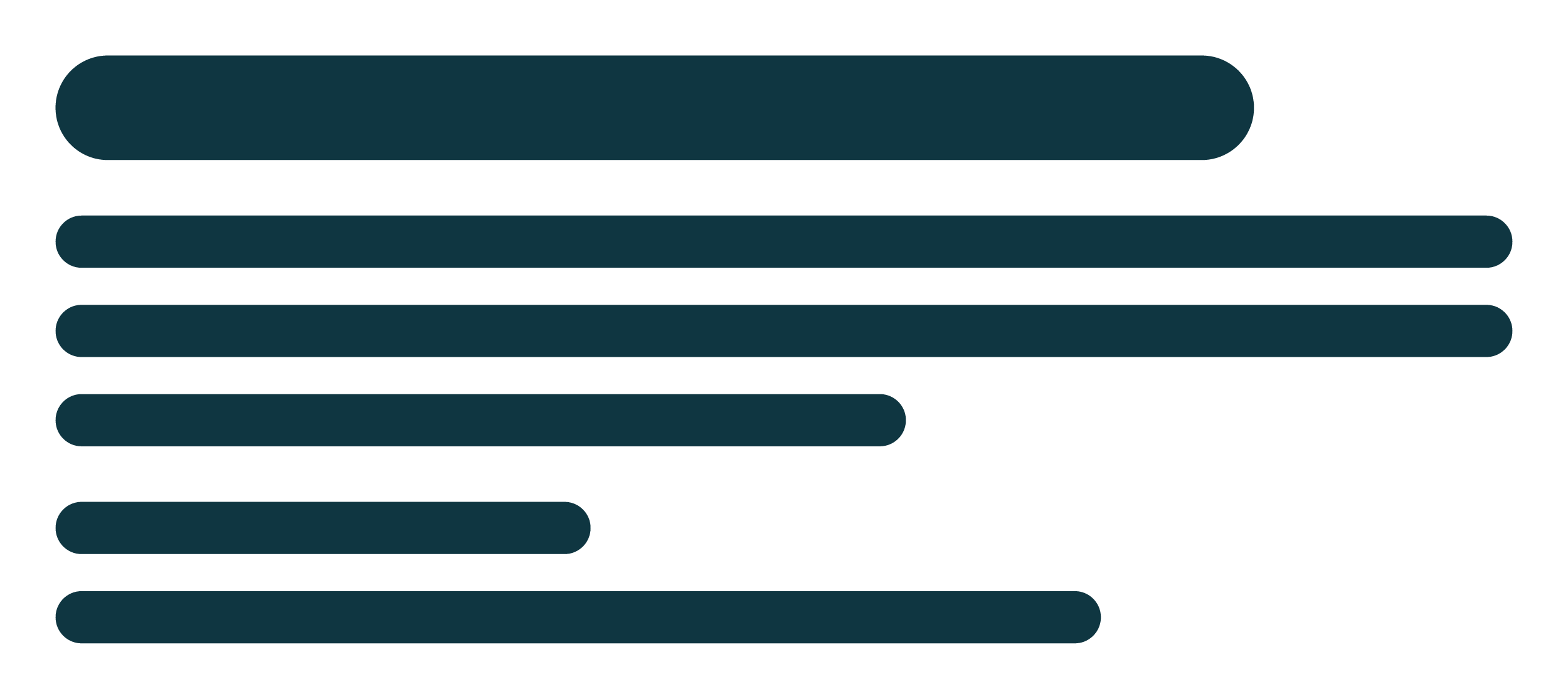
Standard Directory Listing
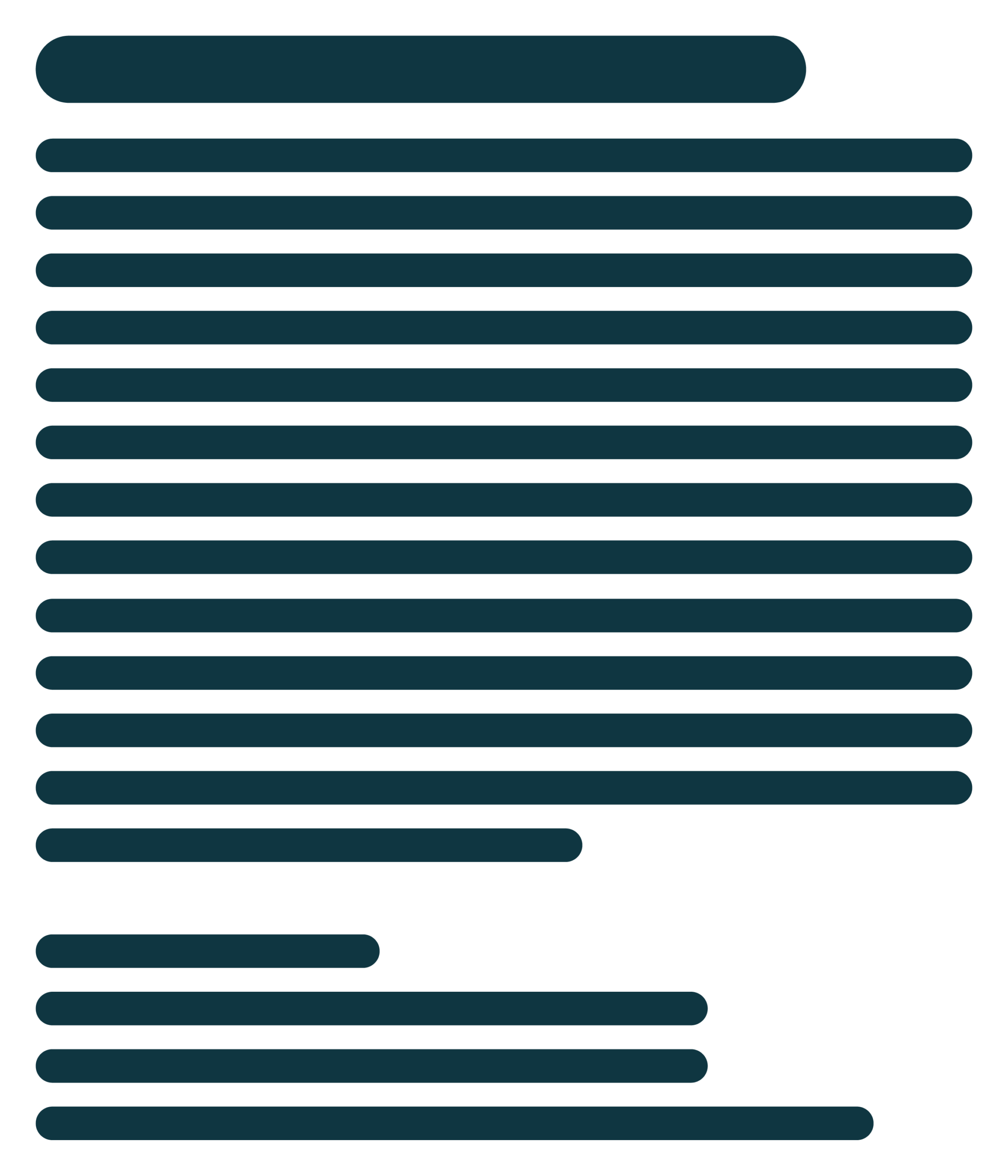
Premium Directory Listing
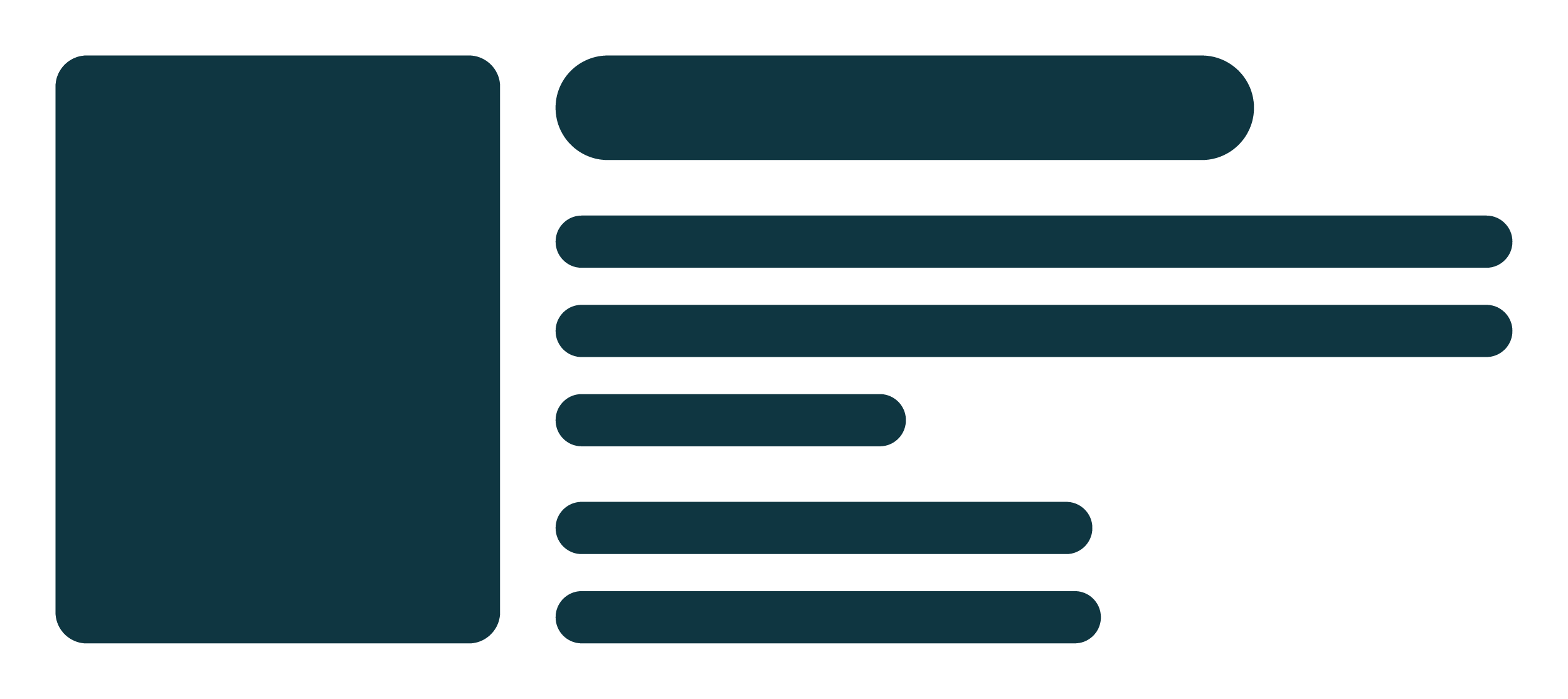
Premium Event Listing
How it works
1
Choose a template
Select the advert format that matches your booking.
2
Create in Canva
Open the template and replace the placeholder content with your own.
3
Download as PDF
Export your advert using the recommended print settings.
4
Send to us
Email your artwork to us before the copy deadline. We’ll check it before publication.